Website Engagement Tools: How to Increase Website Engagement in 2025
Summarize content with
TL;DR: How to increase website engagement
- Average engagement rate: Most websites see 2-5% engagement (visitors taking meaningful actions)
- Top engagement tools: AI chatbots, live chat, exit-intent popups, interactive content, video
- Key metrics: Time on site, pages per session, bounce rate, conversion rate, interaction rate
- Biggest opportunity: AI chatbots increase engagement by 40-60% by providing instant, personalized interactions
- Quick win: Add an AI chatbot trained on your content (setup takes 10 minutes with LeadJot)
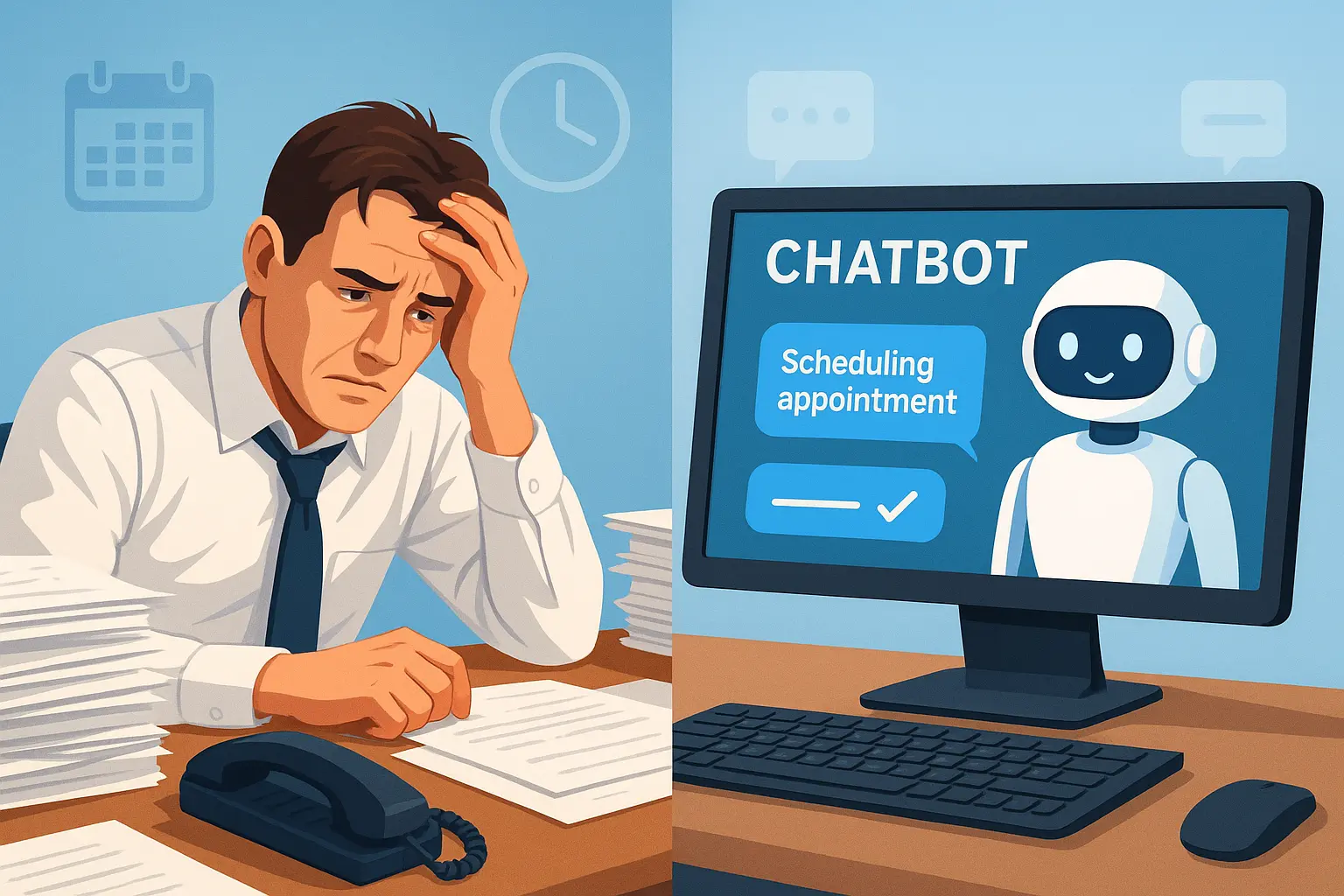
Stop losing visitors who land on your site and leave without engaging. The right tools turn passive browsers into active participants.
What is Website Engagement & Why It Matters
Website engagement measures how actively visitors interact with your site. It's not just about traffic. It's about what people do once they land on your pages.
High engagement means:
- Visitors spend time reading your content
- They click through multiple pages
- They interact with your tools or features
- They fill out forms or contact you
- They return to your site multiple times
Low engagement means:
- People land and bounce immediately
- They skim for 10 seconds and leave
- They never click anything or scroll
- Your traffic looks good but converts terribly
Here's why engagement matters more than raw traffic.
A website with 1,000 highly engaged visitors will outperform a site with 10,000 disengaged visitors every single time. Engaged visitors become leads. Leads become customers. Customers bring revenue.
The data backs this up:
Websites with high engagement rates see 3-4x higher conversion rates than low-engagement sites. Engaged visitors are 5x more likely to return. They spend 60% more when they buy.
But most websites have terrible engagement. The average bounce rate across industries is 40-60%. That means half your traffic sees one page and leaves.
The problem? Most websites are passive. They expect visitors to figure everything out on their own. Browse around. Find information. Fill out forms unprompted.
That doesn't work anymore. Modern visitors expect interaction. They want instant answers. They need guidance. They demand personalized experiences.
That's where website engagement tools come in.
What is a Website Engagement Rate?
Website engagement rate is the percentage of visitors who take meaningful actions on your site.
The basic formula:
(Number of engaged sessions ÷ Total sessions) × 100 = Engagement rate
But what counts as "engaged"? That depends on your goals.
Common engagement actions:
- Spending more than 30 seconds on site
- Viewing 2+ pages
- Clicking any interactive element
- Watching a video
- Downloading a resource
- Filling out a form
- Starting a chat conversation
- Clicking a CTA button
Industry benchmarks:
B2B websites: 2-5% engagement rate is average, 8-12% is good, 15%+ is excellent.
E-commerce: 3-7% average, 10-15% good, 20%+ excellent.
Content/media sites: 5-10% average, 15-25% good, 30%+ excellent.
SaaS: 2-4% average, 6-10% good, 12%+ excellent.
If your engagement rate is below average for your industry, you're leaving massive opportunities on the table. Every disengaged visitor is a potential customer who slipped away.
Why engagement rate matters more than traffic:
You can drive 10,000 visitors to your site. If only 2% engage, that's 200 engaged visitors and 9,800 wasted impressions.
Now imagine driving 5,000 visitors but with a 10% engagement rate. That's 500 engaged visitors. Half the traffic, but 2.5x the engagement.
Which scenario do you think generates more revenue?
The second one. Every time.
Website Engagement Metrics That Actually Matter
Most people track the wrong metrics. Pageviews and traffic don't mean much if nobody's engaging.
Here are the metrics that actually tell you if your site is working.
Time on Site
How long visitors spend on your website. More time usually means higher interest.
Industry averages:
- B2B: 2-3 minutes average
- E-commerce: 3-5 minutes
- Content sites: 5-10 minutes
- SaaS: 1-3 minutes
Below these benchmarks? Your content isn't holding attention. Above? You're doing something right.
How to track: Google Analytics → Engagement → Overview
Pages Per Session
How many pages visitors view in one visit. More pages indicate deeper exploration.
Industry averages:
- B2B: 2-3 pages
- E-commerce: 3-5 pages
- Content sites: 3-6 pages
- SaaS: 2-4 pages
Single-page sessions are a red flag. Multi-page sessions show genuine interest.
How to track: Google Analytics → Engagement → Pages and Screens
Bounce Rate
Percentage of visitors who leave after viewing only one page. Lower is generally better.
Industry averages:
- B2B: 40-60%
- E-commerce: 30-50%
- Content sites: 60-80%
- SaaS: 50-70%
High bounce rate means your page isn't compelling or relevant. Visitors don't see a reason to continue.
How to track: Google Analytics → Engagement → Overview
Scroll Depth
How far down the page visitors scroll. Shows if they're actually reading your content.
Benchmarks:
- 50% scroll depth: Average
- 75% scroll depth: Good
- 90%+ scroll depth: Excellent
If most visitors don't scroll past 25%, your above-the-fold content needs work.
How to track: Google Analytics → Engagement → Events (with scroll tracking enabled)
Interaction Rate
Percentage of visitors who click on interactive elements (buttons, links, forms, chat widgets).
What counts as interaction:
- Clicking CTAs
- Opening chat widgets
- Playing videos
- Clicking internal links
- Submitting forms
- Using calculators or tools
Higher interaction rates directly correlate with conversions.
How to track: Google Analytics → Engagement → Events
Return Visitor Rate
Percentage of traffic from people who've visited before. Returning visitors are more valuable.
Benchmarks:
- 20-30%: Average
- 30-50%: Good
- 50%+: Excellent
If return rate is low, your site isn't memorable or valuable enough for second visits.
How to track: Google Analytics → User → Demographics → New vs Returning
Conversion Rate
The ultimate engagement metric. Percentage of visitors who complete your goal (lead form, purchase, signup, booking).
Industry averages:
- B2B lead gen: 2-5%
- E-commerce: 1-3%
- SaaS trial signup: 3-7%
Everything else is a vanity metric if conversions aren't happening.
How to track: Google Analytics → Engagement → Conversions
Focus on these metrics. Ignore vanity metrics like total pageviews or social shares. What matters is whether visitors are engaging and converting.
Best Website Engagement Tools in 2025
The right tools can double or triple your engagement rate. Here's what actually works.
1. AI Chatbots (Highest Impact)
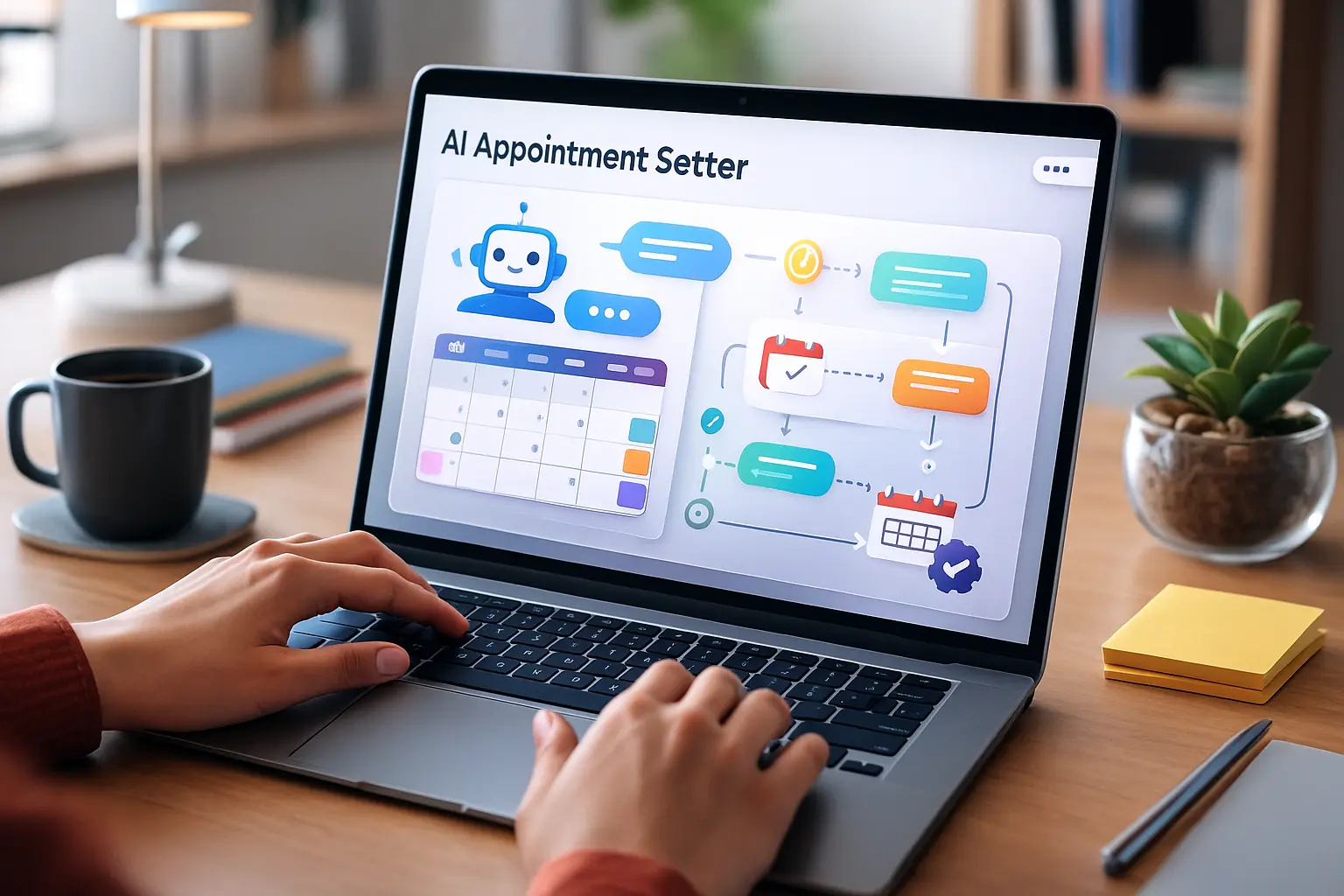
What they do: Provide instant, personalized responses to visitor questions. Capture leads through conversation. Book appointments automatically.
Why they work: Visitors get immediate help instead of hunting for information. Feels interactive and personalized. Available 24/7.
Engagement impact: 40-60% increase in interaction rate. 3-4x more lead captures compared to static forms.
Best for: B2B services, SaaS, agencies, consulting, professional services, any business where prospects have questions.
Example: LeadJot lets you create an AI chatbot trained on your content in 10 minutes. It answers questions, qualifies leads, and books appointments automatically.
A B2B software company added LeadJot and saw engagement rate jump from 3% to 9% within the first month. More importantly, demo bookings increased 3.5x.
2. Live Chat
What it does: Connects visitors with real humans in real-time for instant support or sales conversations.
Why it works: Personal touch. Some questions need human judgment. Good for high-value prospects who need immediate attention.
Engagement impact: 20-30% increase when properly staffed. Drops to near-zero when nobody's available to respond.
Best for: E-commerce, high-ticket services, technical products needing expert guidance.
Limitation: Requires humans to be available. Gets expensive as traffic scales. Most businesses can't staff it 24/7.
Recommendation: Use AI chatbots for 24/7 coverage, escalate to live chat for complex questions or high-value prospects.
3. Exit-Intent Popups
What they do: Detect when visitors are about to leave and display a targeted message or offer.
Why they work: Last chance to capture attention before they're gone. Can offer lead magnets, discounts, or ask for feedback.
Engagement impact: Reduces bounce rate by 10-15%. Captures 2-5% of exiting visitors.
Best for: E-commerce (discount offers), content sites (newsletter signups), B2B (resource downloads).
Implementation tip: Don't be annoying. Offer genuine value. "Wait! Before you go, want our pricing guide?" works better than desperate discounts.
4. Interactive Content
What it includes: Calculators, quizzes, assessments, configurators, interactive infographics.
Why it works: Active participation beats passive reading. People love personalized results. Creates memorable experiences.
Engagement impact: 2x longer time on site. 50-70% completion rates for well-designed tools.
Best for: Financial services (ROI calculators), SaaS (product configurators), agencies (assessment tools), e-commerce (product finders).
Example: A marketing agency created a "Marketing Maturity Assessment." Visitors answer 10 questions, get a personalized report, and the agency captures leads who want help improving their score.
5. Video Content
What it includes: Explainer videos, product demos, testimonials, tutorials.
Why it works: Video is more engaging than text. Complex concepts become clearer. Shows personality and builds trust.
Engagement impact: Pages with video see 80% longer time on site. Video viewers are 85% more likely to convert.
Best for: SaaS (product demos), e-commerce (product videos), services (testimonials), education (tutorials).
Implementation tip: Keep videos under 2 minutes for product explanations. Put them above the fold on key pages.
6. Personalization Engines
What they do: Dynamically change content based on visitor behavior, source, or profile.
Why it works: Relevant content gets more engagement. "Companies like yours" beats generic messaging.
Engagement impact: 20-30% increase in click-through rates. 15-25% higher conversion rates.
Best for: E-commerce (product recommendations), B2B (industry-specific messaging), SaaS (use-case targeting).
Tools: Dynamic Yield, Optimizely, VWO, or basic: different landing pages for different traffic sources.
7. Social Proof Notifications
What they do: Display real-time notifications of actions other visitors are taking (signups, purchases, downloads).
Why it works: FOMO and social proof. If others are engaging, new visitors are more likely to engage too.
Engagement impact: 10-15% increase in conversions when implemented well.
Best for: E-commerce, SaaS, webinars, course sales.
Warning: Must be genuine. Fake notifications destroy trust instantly.
8. Chatbot-Powered Lead Magnets
What they do: Deliver valuable content (guides, checklists, templates) through chat conversations instead of forms.
Why it works: Lower friction than forms. Feels more personal. Captures better data through conversation.
Engagement impact: 2-3x higher download rates compared to traditional gated content.
Best for: B2B lead generation, content marketing, agencies.
Example: Instead of "Download our guide," try "I can send you our complete pricing guide. What's your email?" Much more conversational.
How to Increase Website Engagement: Proven Strategies
Tools are important. But strategy matters more. Here's how to actually increase engagement.
Strategy 1: Make Your Homepage Interactive
Most homepages are passive walls of text. Make yours interactive immediately.
Add:
- AI chatbot greeting visitors with "Got questions? I can help"
- Video explaining what you do in 60 seconds
- Interactive demo or calculator above the fold
- Clear, specific CTAs (not generic "Learn More")
Test this: A SaaS company replaced their static hero section with an interactive product demo. Engagement rate increased from 4% to 11%.
Strategy 2: Answer Questions Before They're Asked
Visitors have questions. If they can't find answers easily, they leave.
Implementation:
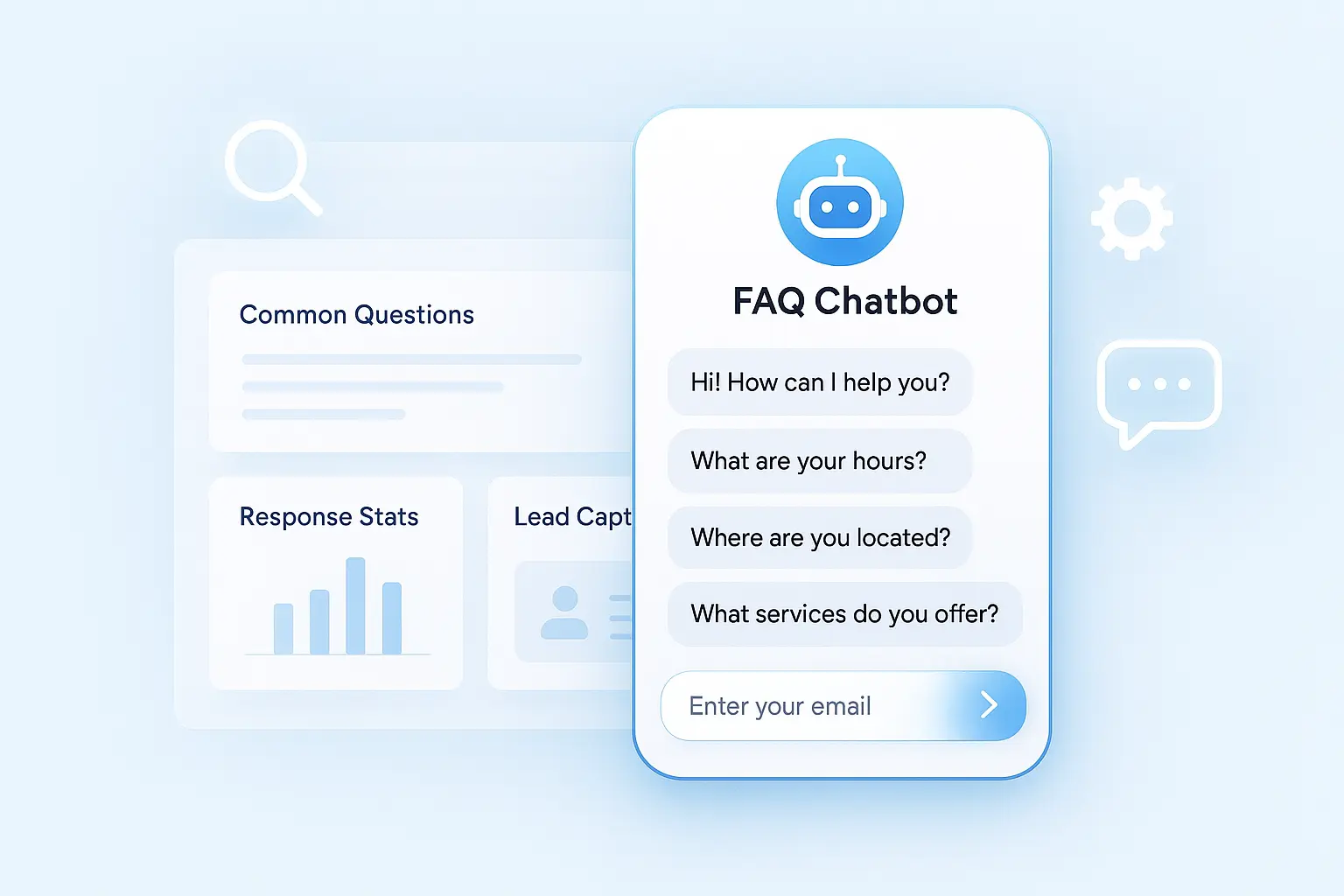
- Add FAQ sections to every key page
- Use AI chatbot to answer common questions instantly
- Create hover tooltips for complex terms
- Add "Related questions" sections
The data: Pages with prominent FAQ sections see 25-40% lower bounce rates.
Strategy 3: Reduce Friction Everywhere
Every extra click, form field, or loading second kills engagement.
Friction audit:
- Count clicks to reach key information (should be 1-2 max)
- Time how long pages take to load (should be under 3 seconds)
- Count form fields (minimize to essential only)
- Check if CTAs are obvious (should never search for next step)
Example: An agency reduced their contact form from 8 fields to 3 (name, email, message). Form completions increased 68%.
Strategy 4: Use Conversational Engagement
Replace static forms with conversations wherever possible.
Instead of: "Fill out this form for a quote" Try: "I can help you get a quick quote. What service are you interested in?"
Instead of: "Download our guide" (with 5-field form) Try: "Want our complete guide? Just drop your email and I'll send it over"
Conversations feel more human. They reduce friction. They capture better information through natural dialogue.
Strategy 5: Create Multiple Engagement Points
Don't rely on one CTA at the bottom of the page. Create engagement opportunities throughout.
Where to add engagement points:
- Header: Simple "Chat with us" or "Book a demo"
- After first value section: "Want to see how this works for your business?"
- Mid-page: Interactive calculator or assessment
- Before testimonials: "See what results you could achieve"
- End of page: Multiple CTA options based on intent
Test this: A consulting firm added a chatbot to their header and saw 34% of engaged visitors start conversations before scrolling.
Strategy 6: Personalize Based on Source
Visitors from different sources have different intent. Treat them differently.
Google search visitors: Looking for specific information. Show it immediately.
Social media visitors: Don't know you yet. Lead with credibility and quick wins.
Email subscribers: Already interested. Make offers more direct.
Paid ad traffic: Came for specific promise. Deliver on it immediately.
Use UTM parameters and simple personalization to show relevant content.
Strategy 7: Speed Up Your Site
Every second of load time costs you engagement.
The impact:
- 1 second delay = 7% fewer conversions
- 3 second load time = 32% of visitors bounce
- 5 second load time = 90% bounce rate
Quick wins:
- Compress images (huge impact, easy fix)
- Enable caching
- Use CDN for assets
- Minimize JavaScript
- Lazy load below-fold content
Use Google PageSpeed Insights to identify specific issues.
Strategy 8: Make Mobile Perfect
60% of traffic is mobile. If your mobile experience sucks, your engagement will too.
Mobile engagement killers:
- Tiny text that requires zooming
- Buttons too small to tap accurately
- Forms that are painful on phone keyboards
- Pop-ups that cover the entire screen
- Slow loading on cellular connections
Test every engagement tool on actual mobile devices. If it's clunky on mobile, fix it or remove it.
How to Improve Website Engagement With AI Chatbots
AI chatbots are the highest-ROI engagement tool available. Here's how to use them effectively.
Why Chatbots Increase Engagement So Dramatically
Instant interaction: Visitors don't wait for responses. Questions get answered in seconds.
Always available: 24/7 coverage means you capture leads at 2 AM on Sunday, not just business hours.
Proactive engagement: Chatbots can reach out first: "Looking for pricing info? I can help with that."
Personalized conversations: AI adapts responses based on what visitors ask and how they respond.
Low friction: Talking feels easier than filling out forms. More people engage when it's conversational.
Setting Up Your Chatbot for Maximum Engagement
1. Train it on your actual content
Upload your website, sales docs, case studies, FAQs. The AI learns to give accurate answers about your specific business.
2. Configure proactive greetings
Don't wait for visitors to click. Have the chatbot introduce itself after 5-10 seconds:
- "Got questions about [your service]? I'm here to help"
- "Looking for pricing? I can walk you through our packages"
- "Want to see if we're a good fit? Ask me anything"
3. Add quick-reply buttons
Make it easy for visitors to engage. Add clickable options:
- "Tell me about pricing"
- "Book a demo"
- "See case studies"
- "How does it work?"
4. Capture leads naturally
After answering 2-3 questions, transition to capture: "Want me to send you more details? What's your email?"
Don't demand email in the first message. Build value first.
5. Route to humans when needed
Complex questions need real people. Make escalation easy: "Great question! Let me connect you with someone on our team. What's your email?"
6. Use data to improve
Review conversations weekly. See where the bot struggles. Add training data for common questions it missed.
Chatbot Engagement Best Practices
Match your brand voice: Professional? Casual? Direct? Configure personality to match your style.
Be transparent: Let people know they're talking to AI. Nobody likes being tricked.
Keep responses concise: 2-3 sentences max per response. Long paragraphs kill conversation flow.
Use visitor context: If someone landed on your pricing page, acknowledge it: "I see you're checking out pricing. Want me to explain our packages?"
Test different approaches: A/B test greetings, response styles, and capture timing. Optimize based on data.
Make it mobile-perfect: Most visitors are on phones. Ensure typing, reading, and clicking work smoothly.
Common Mistakes That Kill Website Engagement
Even with good tools, these mistakes destroy engagement.
Mistake 1: Annoying popups that trigger too fast
Popup appears 2 seconds after landing? Instant annoyance. Wait at least 30 seconds or until scroll depth indicates interest.
Mistake 2: Auto-play videos with sound
Nothing makes visitors hit back faster than sudden audio blasting from their speakers. Auto-play on mute is fine. With sound? Never.
Mistake 3: Vague CTAs that don't tell people what happens next
"Learn More" is meaningless. "See Pricing," "Book a Demo," "Get the Guide" are specific and actionable.
Mistake 4: Forms that ask for too much information
Every extra field reduces completion rates by 10-15%. Ask for the minimum. You can collect more details later.
Mistake 5: No clear value proposition above the fold
If visitors don't immediately understand what you do and why it matters, they leave. Make it crystal clear in the first 3 seconds.
Mistake 6: Slow loading speeds
Doesn't matter how engaging your content is if nobody waits for it to load. Speed is a feature.
Mistake 7: Mobile experience as an afterthought
If engagement tools work great on desktop but terrible on mobile, you're losing 60% of your traffic.
Mistake 8: No engagement tools at all
Expecting visitors to engage with a static website is like expecting customers to serve themselves at a restaurant with no menu. Give them ways to interact.
Mistake 9: Ignoring the data
Not tracking engagement metrics means flying blind. You can't improve what you don't measure.
Mistake 10: Over-optimization paralysis
Waiting for the perfect engagement strategy means never launching anything. Start with something. Iterate based on results.
Measuring Success: Track These Engagement KPIs
Once you implement engagement tools, track these metrics to measure impact.
Before vs After comparison:
- Engagement rate (primary metric)
- Time on site
- Pages per session
- Bounce rate
- Conversion rate
- Lead capture rate
Set a baseline: Track these metrics for 2-4 weeks before implementing new tools. Then compare.
Segment your data: Don't just look at site-wide averages. Break down by:
- Traffic source (organic, paid, social, direct)
- Device type (desktop, mobile, tablet)
- New vs returning visitors
- Landing page
Weekly check-ins: Quick 15-minute review of key metrics. Are things improving?
Monthly deep dives: Detailed analysis. What's working? What's not? What should we test next?
Quarterly strategy reviews: Step back and look at trends over time. Is our engagement trending up? What drove the biggest improvements?
Real Results: What Happens When You Improve Engagement
B2B Software Company: Added AI chatbot and interactive ROI calculator. Engagement rate increased from 3% to 8%. Lead volume doubled. Demo bookings increased 3x.
Professional Services Firm: Implemented chatbot, improved page speed, and added video testimonials. Engagement rate went from 2% to 6%. Consultation bookings increased 85%.
Marketing Agency: Added conversational lead capture and interactive assessment tool. Engagement jumped from 4% to 11%. Lead quality improved significantly.
SaaS Startup: Deployed chatbot for product questions and trial signups. Engagement increased from 3% to 9%. Trial conversion rate improved 45%.
The pattern? Better engagement leads directly to more leads and revenue. Every time.
Getting Started: Your 30-Day Engagement Improvement Plan
Week 1: Audit and baseline
- Track current engagement metrics
- Identify biggest drop-off points
- List top 10 questions prospects ask
- Audit mobile experience
Week 2: Quick wins
- Add AI chatbot (setup takes 10 minutes with LeadJot)
- Fix obvious friction points
- Improve page load speed
- Make CTAs more specific
Week 3: Content improvements
- Add FAQ sections to key pages
- Create or improve hero sections
- Add video to homepage
- Test different CTAs
Week 4: Measure and iterate
- Compare metrics to baseline
- Review chatbot conversations
- Identify what's working
- Plan next improvements
Don't try to do everything at once. Start with the highest-impact changes (chatbot + speed + clear CTAs) and build from there.
The Bottom Line on Website Engagement
Your website engagement rate directly determines your conversion rate. High engagement = high conversions. Low engagement = wasted traffic.
The businesses winning in 2025 treat engagement as a priority, not an afterthought. They use AI chatbots for instant interaction. They eliminate friction everywhere. They make every page an opportunity to engage.
Most importantly? They measure, test, and iterate constantly.
Your competitors are probably ignoring engagement. That's your opportunity. Add the right tools, implement proven strategies, and watch your conversion rate climb.
The fastest path to better engagement? Add an AI chatbot trained on your content. It's the highest-ROI engagement tool available. Setup takes 10 minutes. Results show up within days.
Stop losing visitors who land on your site and leave without engaging.
Ready to increase your website engagement? Try LeadJot free for 7 days and add an AI chatbot trained on your content and start converting passive visitors into engaged leads. Setup takes 10 minutes.