How to Build an FAQ Chatbot That Converts Visitors Into Customers
Summarize content with
TL;DR: How to build an FAQ chatbot that actually grows your business
- Pick 10-20 questions your customers actually ask (check support tickets)
- Train AI on your website, docs, and product info (5 minutes with LeadJot)
- Configure lead capture and appointment booking flows
- Add personality that matches your brand voice
- Deploy to website + messaging channels
- Track conversion rates and iterate weekly
Your FAQ chatbot should answer questions AND capture leads. If it's not doing both, you're leaving money on the table.
The Problem: You're Losing Sales While You Sleep
Here's what's killing your conversion rate right now.
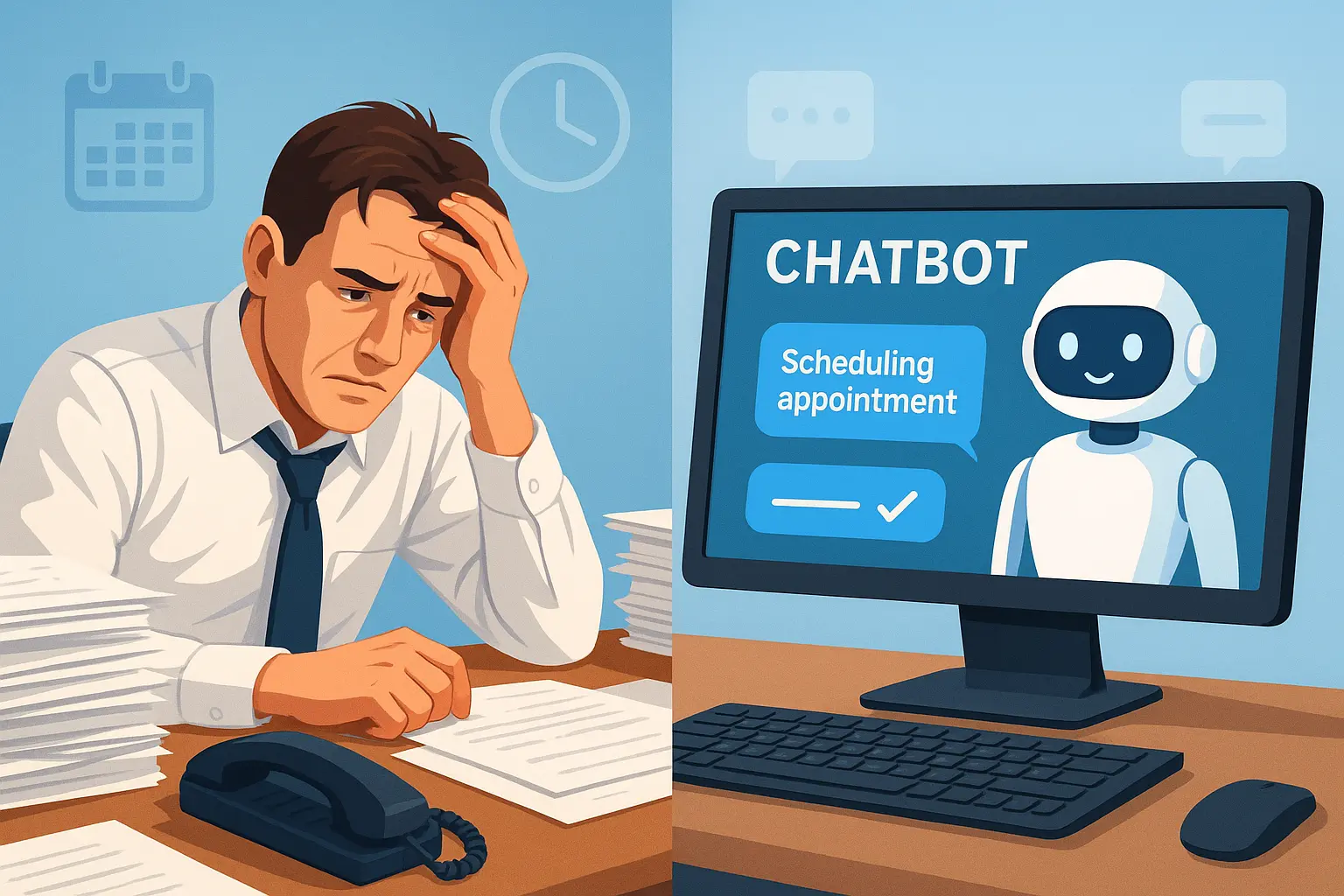
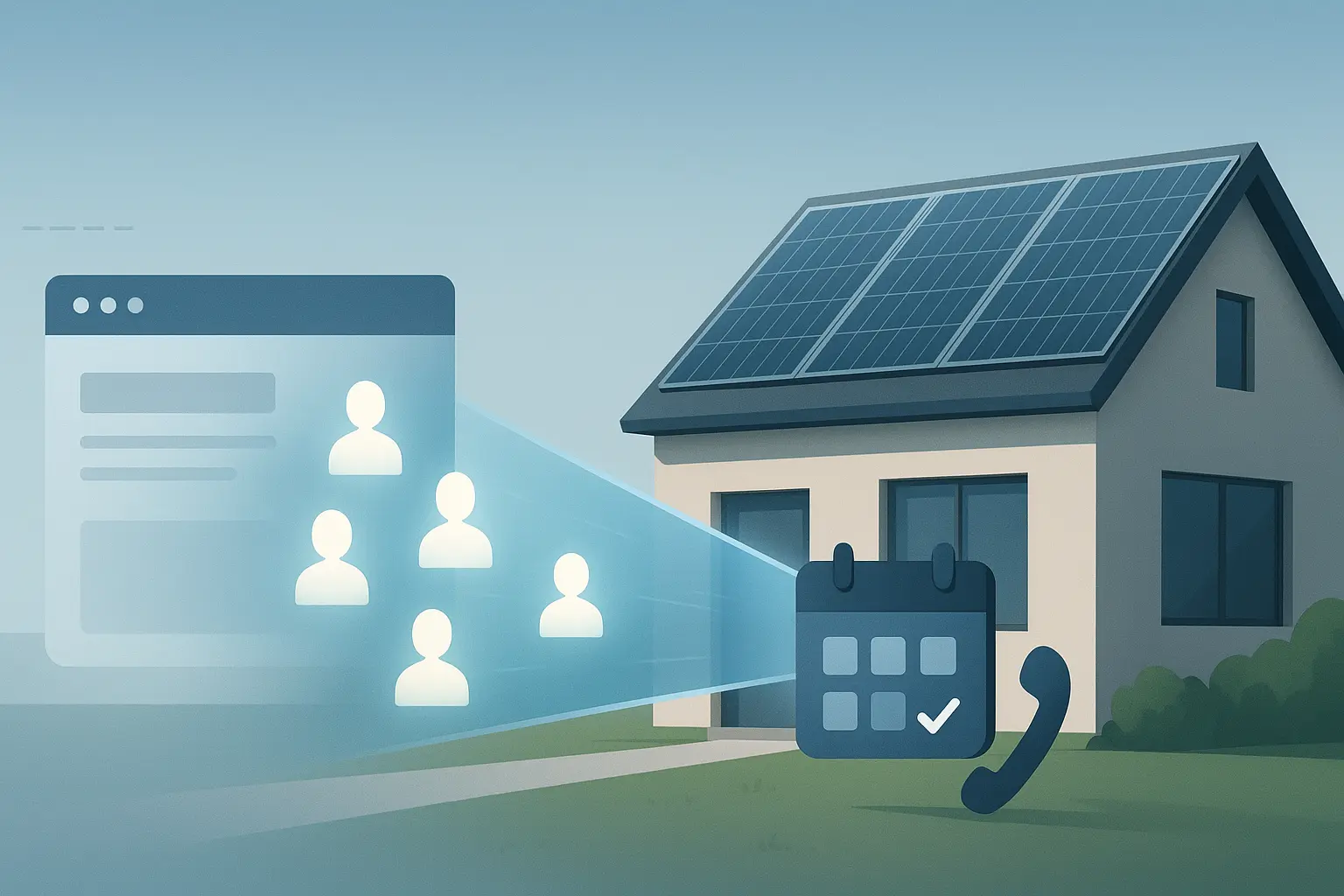
A potential customer lands on your website at 9 PM. They have a question about pricing. They look for an answer. Can't find it. They leave.
They check out your competitor's site instead. That competitor has a chatbot that answers instantly. The visitor gets their answer, feels heard, and books a demo.
You never even knew they existed.
Research shows you're 100 times more likely to convert a lead if you respond within 5 minutes . Most businesses take hours or even days. By then, the prospect has already moved on.
An FAQ chatbot fixes this completely. But only if you build it right.
Step 1: Find the Questions That Actually Matter
Don't guess what questions to answer. Look at your data.
Where to find real questions:
- Support ticket history (last 3 months)
- Sales call recordings (objections and FAQs)
- Live chat transcripts if you have them
- Comments on your social media posts
- Google Search Console (queries people used to find you)
Write down every question that appears more than twice. Those are your core FAQ topics.
Group them into categories: pricing, features, shipping, technical support, company policies. You'll probably end up with 10-25 questions that cover 80% of what people ask.
Start with those. You can always add more later.
Step 2: Choose Your Chatbot Platform (The 5-Minute Setup)
You have two options: build from scratch (takes weeks, requires developers) or use a platform (takes minutes, requires zero coding).
Unless you have specific technical requirements, go with a platform. Specifically, one that handles the complete workflow: answers questions, captures leads, books appointments, and integrates with your tools.
Here's the actual setup with LeadJot (I timed it):
Minute 1-2: Paste your website URL. The AI crawls your site and learns about your business, products, and policies.
Minute 3: Upload any additional documents. Product guides, policy PDFs, support articles. The more context you give it, the better it answers.
Minute 4: Customize the appearance and personality. Pick colors, choose the greeting message, set the tone of voice.
Minute 5: Copy the embed code and paste it into your website. Done. Your chatbot is live.
I'm not exaggerating. The actual technical setup takes about 5 minutes. The strategic work (deciding what to focus on) takes longer, but that's important thinking time.
Step 3: Configure Actions (This Is Where Money Gets Made)
Answering questions is great. But your chatbot should do more than just be a helpful encyclopedia.
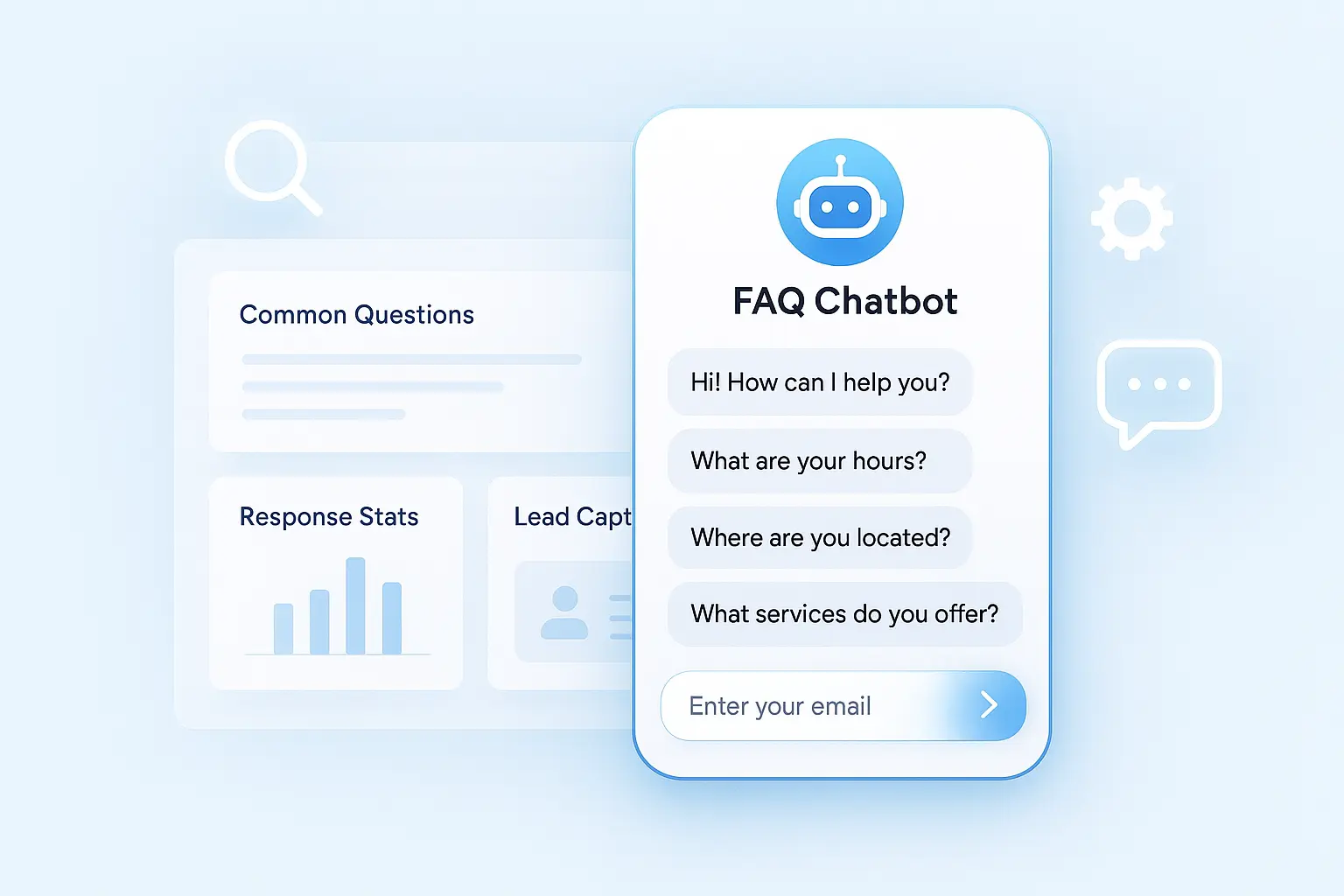
Lead capture flow: After the chatbot answers 2-3 questions, it should naturally offer to help further. "Want me to send you our pricing guide? What's your email?" Boom. Lead captured.
Qualification questions: Not all leads are equal. Configure your chatbot to ask qualifying questions based on your sales criteria. Budget range? Timeline? Company size? Pain points?
LeadJot chatbots can automatically qualify leads using your exact criteria and pass qualified prospects directly to your sales team .
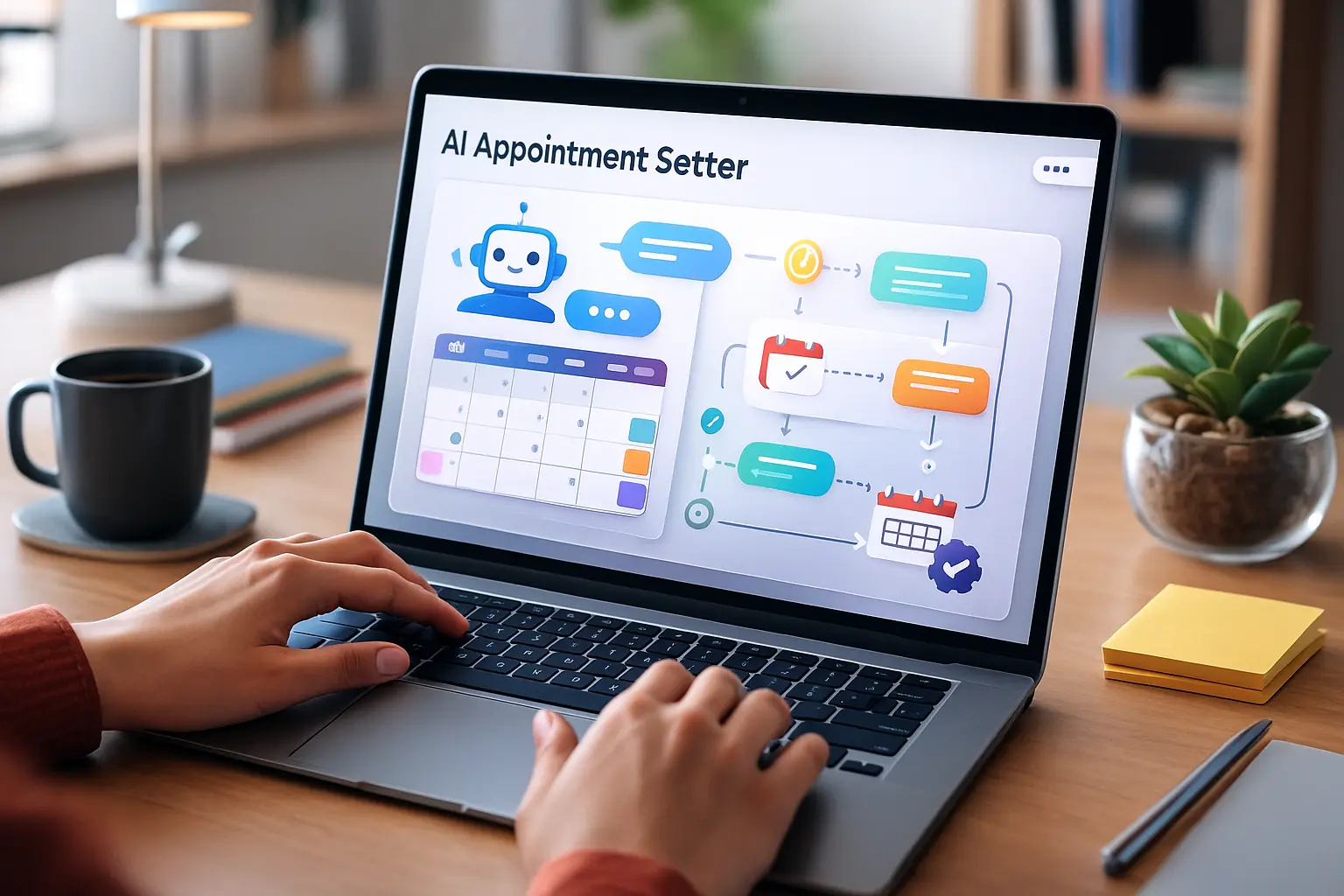
Appointment booking: This is the killer feature most businesses ignore. Instead of sending prospects to booking links, the AI guides them to schedule naturally through conversation and syncs with your calendar in real-time .
Someone asks about your consulting services? The chatbot answers, qualifies them, then says: "Let's hop on a quick call. I see you're free Tuesday at 2 PM or Wednesday at 10 AM. Which works?"
No friction. No extra clicks. Just a booked meeting.
Step 4: Add the Human Touch (What AI Can't Fake)
Generic chatbot responses feel like talking to a robot. You want yours to feel like talking to your best sales rep.
Brand voice matters: Are you professional and technical? Friendly and casual? Playful and bold? Your chatbot's personality should match your brand.
Spend 10 minutes writing example responses in your voice. Use those as templates. Real words you'd actually say to a customer.
Specific examples beat generic answers: Bad: "Yes, we offer integrations with popular tools." Good: "Yep! We integrate with Slack, HubSpot, Google Calendar, and 50+ other tools. What are you using?"
Add real data and proof: When your chatbot mentions features or benefits, include real numbers. "Our customers typically see 3x more leads in the first month" hits harder than "we help you generate more leads."
If you have customer testimonials, work them into relevant answers. Social proof builds trust.
Step 5: Deploy Across Multiple Channels
Your website isn't the only place customers try to reach you.
The same AI can work across channels including WhatsApp, Instagram, Facebook Messenger, and other messaging platforms . One chatbot, consistent answers everywhere.
This is huge because:
- Instagram DM questions get answered instantly (not 6 hours later)
- WhatsApp conversations turn into qualified leads automatically
- Website visitors and social followers get the same quality support
- Everything flows into one dashboard so you're not juggling five platforms
Priority order for deployment:
- Your website (highest intent traffic)
- Your most active social channel (probably Instagram or Facebook)
- WhatsApp if you do business internationally
- Email signature (yes, your chatbot can handle email conversations too)
Step 6: Optimize On-Page Elements
Your chatbot widget needs to be visible but not annoying.
Positioning: Bottom right corner is standard for a reason. People expect it there. Don't get creative with placement unless you have data showing it performs better elsewhere.
Greeting message: Skip "Hello, how can I help you?" Everyone uses that. Try something specific: "Got questions about [your product]? Ask me anything" or "Looking for pricing info? I can help with that."
Make the first message match what visitors actually want to know.
Step 7: Integrate With Your Tech Stack
Your chatbot shouldn't be an island. It needs to talk to your other tools.
Essential integrations:
- CRM (HubSpot, Salesforce, Pipedrive) – captured leads flow automatically
- Email marketing (Mailchimp, ConvertKit) – add new contacts to sequences
- Calendar (Google Calendar, Calendly) – sync booked appointments
- Slack – get notified about high-value leads in real-time
- Analytics – track which questions convert best
LeadJot connects with major platforms to automate your workflow , which means no manual data entry and no leads slipping through the cracks.
Pro tip: Set up Slack notifications for qualified leads only. You don't need an alert every time someone asks about shipping. But when someone with a 50+ employee company asks about your enterprise plan? That message should hit your phone immediately.
Measuring What Actually Matters
Vanity metrics like "chatbot opens" don't pay the bills. Track metrics that connect to revenue.
Key performance indicators:
- Conversation rate: What % of visitors interact with the chatbot?
- Answer success rate: How often does it solve the question without escalation?
- Lead capture rate: Conversations that result in contact info collected
- Qualification rate: Captured leads that meet your criteria
- Booking rate: Conversations that result in scheduled appointments
- Cost per lead: Total chatbot cost ÷ leads captured (compare to other channels)
Set a baseline in your first week, then iterate to improve each metric by 10-20%.
Common Mistakes That Kill Conversions
I've seen dozens of FAQ chatbots fail. Here's what goes wrong:
Mistake 1: Too aggressive too fast Don't ask for email in the first message. Answer questions genuinely first. Build a little trust. Then ask for contact info naturally.
Mistake 2: Novel-length responses Your chatbot isn't writing a thesis. Keep answers under 100 words. If someone wants more detail, they'll ask a follow-up question.
Mistake 3: No escape hatch Some questions need a human. Make it easy to escalate: "Want to talk to a person? Drop your email and someone will follow up in 20 minutes."
Mistake 4: Set-and-forget mentality Your first version won't be perfect. Review conversations weekly. Look for questions the bot struggles with. Add better answers. Refine qualification criteria. Continuous improvement is the game.
Mistake 5: Ignoring mobile 60% of traffic is mobile. Test your chatbot on phones. Is it easy to type? Does it cover important content? Is the widget too intrusive? Fix mobile issues immediately.
Advanced Tactics That Separate Winners From Everyone Else
Once your basic FAQ chatbot works well, layer in these growth accelerators.
Multilingual support: LeadJot supports over 80 languages with automatic detection . Someone writes in Spanish? Your bot responds in Spanish. No hiring multilingual support staff.
Smart routing: Route different types of conversations to different teams. Technical questions go to support. High-budget enterprise inquiries go straight to senior sales. Automate the triage.
Conversation insights: Analyze chat transcripts monthly. What objections come up repeatedly? What features do people ask about most? Use this intel to update your website, fix confusing areas, and train your sales team.
A/B testing: Test different greeting messages. Different qualification flows. Different CTAs. Even small improvements compound when you're processing hundreds of conversations monthly.
Retargeting captured leads: Feed chatbot leads into retargeting audiences. Someone asked about pricing but didn't book? Show them a case study ad. Someone asked technical questions? Show them a product demo video.
Real Numbers: What to Expect
Let's talk realistic outcomes based on actual data from businesses using FAQ chatbots.
Typical results in month one:
- 15-30% of visitors interact with the chatbot
- 10-15% of conversations result in captured contact info
- Businesses save $2000+ monthly in support costs previously spent on handling routine questions
- 24/7 availability captures leads outside business hours (roughly 30-40% of total leads)
After 3 months of optimization:
- Conversation rate improves to 25-40%
- Lead capture rate climbs to 20-25%
- Qualification accuracy reaches 70-80% (fewer junk leads wasting sales time)
- Appointment booking rate hits 5-10% of qualified conversations
Your specific numbers will vary based on traffic quality, offer, and how well you optimize. But these ranges are realistic for most B2B and service businesses.
Getting Started This Week
You don't need a perfect plan. You need to start and iterate.
Day 1: Make a list of your 10-20 most common questions. Write good answers in your brand voice. This takes 1-2 hours.
Day 2: Sign up for LeadJot, paste your website URL, upload your product docs, and customize the appearance. Takes 30 minutes.
Day 3: Configure your lead capture and qualification flow. What questions filter good leads from tire kickers? Takes 30 minutes.
Day 4: Set up calendar integration for appointment booking. Test the entire flow yourself. Takes 30 minutes.
Day 5: Deploy to your website. Monitor conversations. Fix anything that feels off.
Week 2 onward: Review performance weekly. Add answers to new questions. Refine qualification criteria. Improve conversion rates incrementally.
You can do the entire initial setup in under 3 hours total. Then it's just ongoing optimization.
The Bottom Line: FAQ Chatbots That Actually Work
Most FAQ chatbots are terrible because they only answer questions. They're glorified search boxes that happen to use conversational UI.
The chatbots that actually grow businesses do three things well:
- Answer common questions instantly and accurately
- Capture and qualify leads naturally through conversation
- Book appointments without friction
78% of customers buy from whoever responds first . Your FAQ chatbot makes you that first responder. Every single time. Even at 2 AM on Sunday.
The technology is simple now. The setup takes minutes. The only question is: how many more leads do you want to capture this month?
Because while you're reading this, your competitors are already using chatbots to capture the leads you're missing.
Ready to stop losing leads to slow replies? Try LeadJot free for 7 days and see how many conversations turn into customers when you respond in seconds instead of hours.