How to Make a Chatbot in Minutes With LeadJot
Summarize content with
TL;DR: How to make a chatbot with LeadJot
- Sign up: Create a free LeadJot account (takes 2 minutes)
- Train it: Paste your website URL or upload sales docs (AI learns your business)
- Configure: Set up lead capture, qualification questions, and appointment booking
- Customize: Match your brand colors, logo, and personality
- Deploy: Copy one line of code and paste into your website
- Total time: 10-15 minutes from start to finish
No coding skills needed. No technical setup. Just a chatbot that captures leads and books appointments while you sleep.
What is a Chatbot & Why Your Company Needs One
Let me break this down real simple.
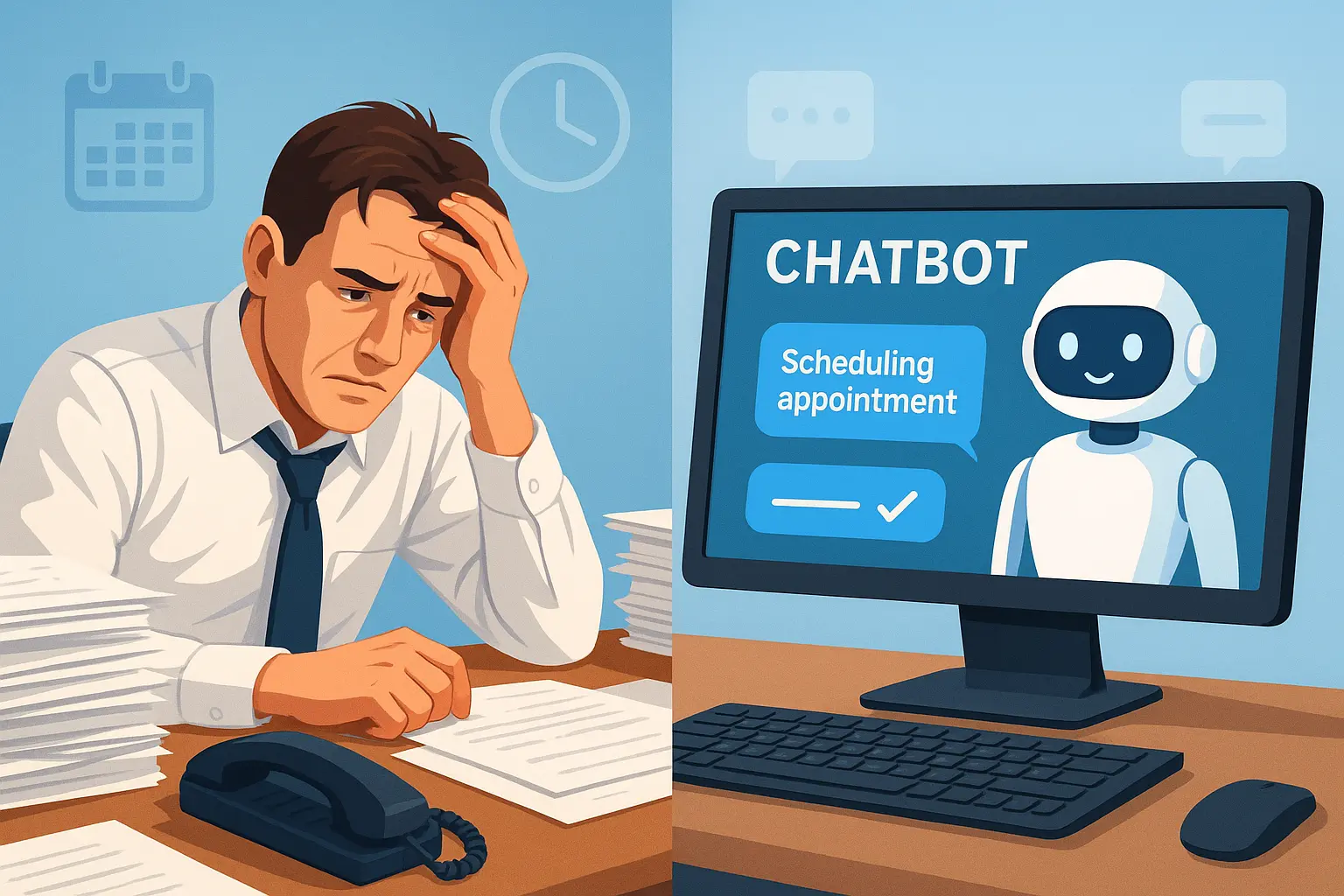
A chatbot is a software program that talks to people through chat interfaces. It lives on your website, answers questions, and helps visitors get what they need. Think of it as having a sales rep working 24/7 who never takes a lunch break or calls in sick.
Why your company needs one:
You're losing leads right now. Every visitor who has a question and gets no answer is a potential customer who leaves. Most businesses take hours or even days to respond. By then, the prospect already bought from your competitor who responded instantly.
Your team is drowning in repetitive questions. "What's your pricing?" "Do you serve my area?" "What's included?" Your salespeople answer the same questions 50 times a week. That's wasted time they could spend actually closing deals.
Lead response time determines your conversion rate. Studies show you're 100x more likely to convert a lead if you respond within 5 minutes. A chatbot responds in seconds. Every single time.
It works around the clock. 30-40% of leads come in outside business hours. Without a chatbot, you're missing all those opportunities. Your competitors with chatbots? They're capturing those leads while you're sleeping.
The ROI is obvious. If your average deal is $3,000 and a chatbot helps you close just 2 extra customers per month, that's $6,000 in new revenue from a $100-200/month investment.
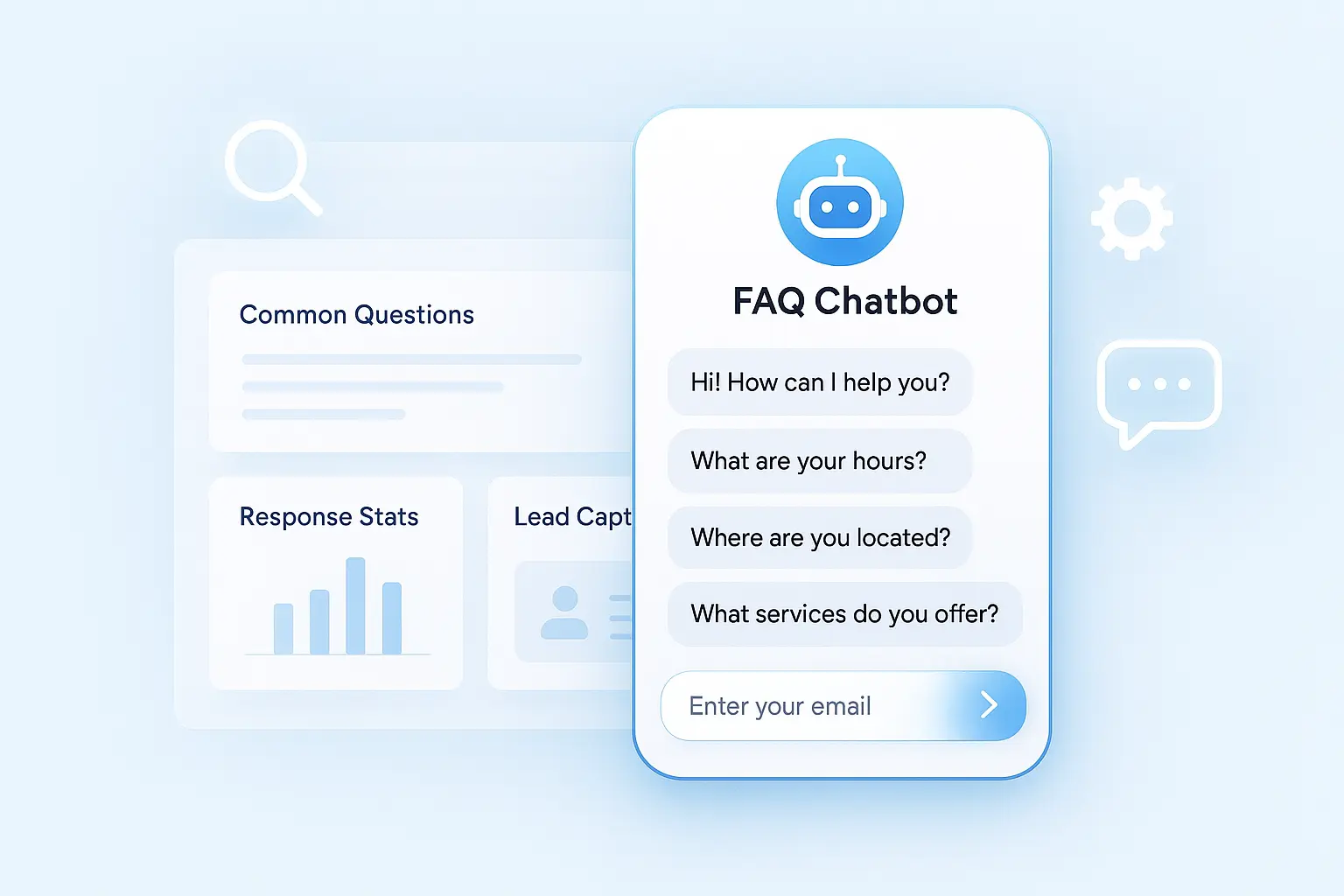
But here's the thing. not all chatbots are created equal. Most are just fancy FAQ pages that frustrate visitors. What you need is a chatbot that actually drives business results: captures leads, qualifies them, and books sales calls.
That's exactly what LeadJot does.
Why LeadJot is Different From Other Chatbot Builders
Most chatbot builders make you jump through hoops. Complex setup. Rigid conversation flows. Limited features. High prices.
LeadJot is built specifically for one thing: turning website visitors into qualified leads and booked appointments.
Here's what makes it different:
No-code setup. You don't need developers or technical skills. If you can copy and paste, you can build a chatbot with LeadJot.
Trained on your data. Upload your website, PDFs, or docs and the AI learns everything about your business. It gives accurate answers about your specific services, pricing, and offerings.
Lead capture and qualification built-in. Not just answering questions. The chatbot naturally captures contact info and qualifies prospects based on your criteria.
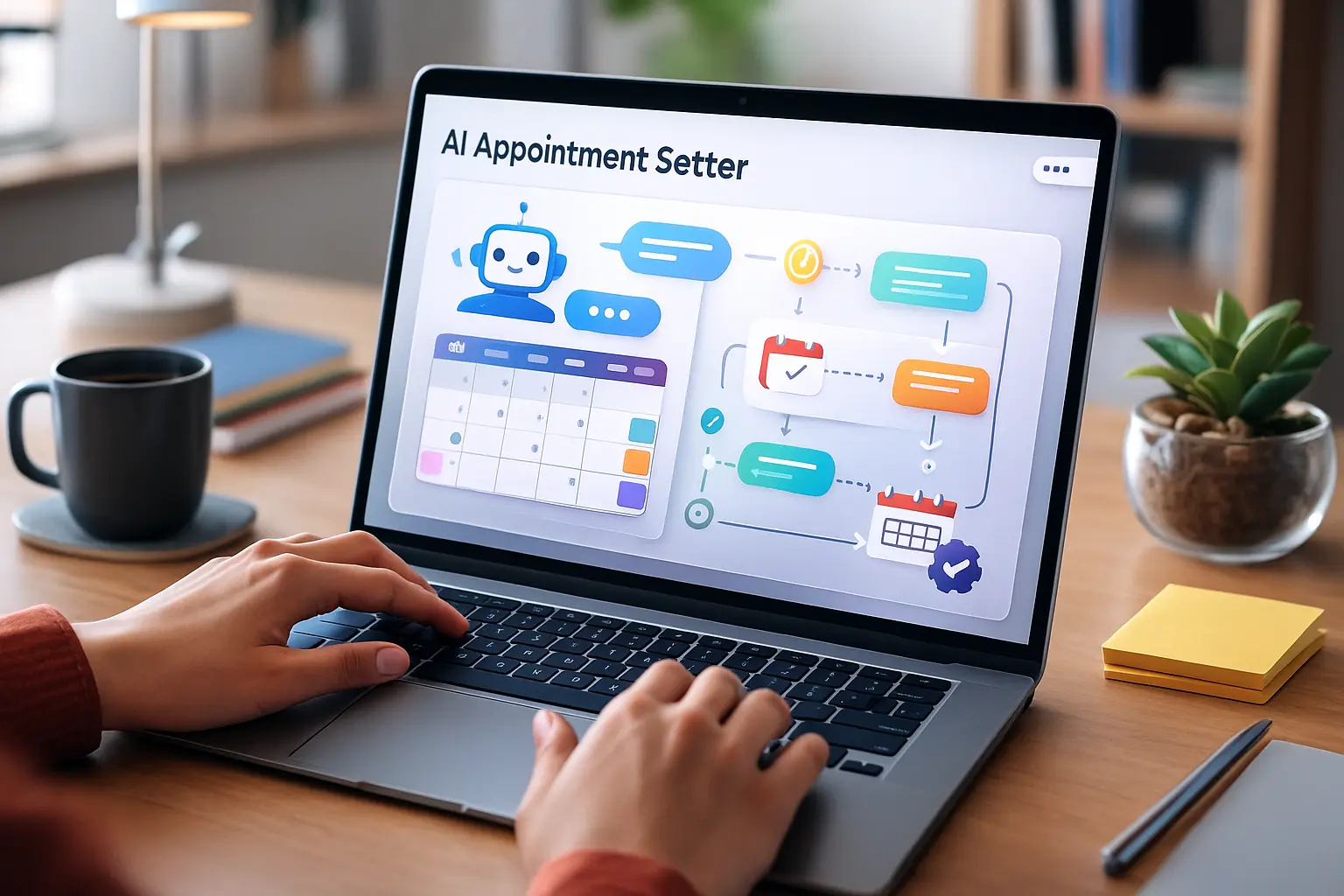
Appointment booking. Connects directly to your calendar and books demos or consultations through the conversation. No separate booking links or email back-and-forth.
Works across channels. Website, WhatsApp, Instagram, Facebook Messenger. One chatbot, consistent answers everywhere.
Actually affordable. Most platforms charge $500-1000/month for basic features. LeadJot gives you everything you need for a fraction of that cost.
The platform is purpose-built for B2B companies, agencies, consultants, and service businesses that need to capture and qualify leads fast.
How to Make a Chatbot With LeadJot: Step-by-Step
This is the actual process. Nothing skipped. No BS.
Step 1: Sign Up for LeadJot
Go to leadjot.com and create your account. Takes about 2 minutes. Start with the 7-day free trial (no credit card required).
Step 2: Create Your First Chatbot
Once you're in the dashboard, click "Create New Chatbot." Give it a name that makes sense for your team. Something like "Sales Assistant" or "Lead Qualifier."
This name is just for your internal reference. Visitors won't see it.
Step 3: Feed It Your Business Knowledge
This is where the magic happens. You need to train your chatbot on your business data.
Option A: Paste your website URL
The easiest way to start. Paste your website URL and LeadJot crawls your site automatically. It learns about your services, pricing, case studies, everything that's publicly available.
This takes about 2-3 minutes depending on the size of your site.
Option B: Upload documents
Got sales materials? Service descriptions? One-pagers? Upload them as PDFs, Word docs, or text files. The AI reads everything and learns how to talk about your business.
Option C: Paste text directly
For specific information you want the chatbot to know, paste it directly as text snippets. Great for qualification criteria, objection responses, or specific talking points.
Pro tip: Start with your website URL for the basics. Then add specific documents for deeper knowledge. You can always add more data later.
Step 4: Configure Lead Capture
Tell the chatbot what information to collect from prospects.
Standard fields:
- Full name
- Email address
- Company name
- Phone number (optional)
The chatbot captures this information naturally through conversation. It doesn't feel like filling out a form.
Step 5: Set Up Qualification Questions
This is crucial. Define what makes someone a qualified lead for your business.
Example qualification questions:
- "What's your company size?" (filters by employee count)
- "What's your timeline?" (identifies urgency)
- "What's your budget range?" (qualifies by investment capacity)
- "What problem are you trying to solve?" (identifies pain points)
The chatbot asks these questions conversationally and filters leads based on your criteria. Only qualified prospects get routed to your sales team or offered booking options.
Step 6: Connect Your Calendar
This is where conversion rates skyrocket. Connect your Google Calendar, Outlook, or Calendly account.
Set your availability. The chatbot will offer specific times to qualified prospects and book appointments directly into your calendar.
No separate booking links. No email back-and-forth. Just "Does Tuesday at 2 PM work for you?" followed by a confirmed meeting.
Step 7: Customize the Appearance
Make your chatbot match your brand.
Colors: Pick your brand colors for the chat bubble and interface.
Logo: Upload your company logo so it appears in the chat window.
Greeting message: Write what visitors see when the chat opens. Skip generic "Hello, how can I help?" Try something specific like "Got questions about [your service]? I can help with pricing, availability, and booking a demo."
Chat bubble style: Choose between different bubble styles and positioning.
Make it look native to your site, not like a third-party plugin that sticks out.
Step 8: Set the Personality and Tone
This matters more than you think. Your chatbot's personality should match your brand.
Professional and consultative? Configure it to be formal, thorough, and detailed.
Friendly and approachable? Make it casual, warm, and conversational.
Direct and efficient? Set it to be concise and action-oriented.
Write a few example responses in your voice. The AI learns to match your style.
Step 9: Get Your Embed Code
Click "Embed" in the dashboard. You'll see one line of JavaScript code. Copy it.
That's it. That's your entire technical setup.
Step 10: Add Code to Your Website
For WordPress:
Go to Appearance → Theme Editor → footer.php (or use a plugin like "Insert Headers and Footers"). Paste the code before the closing </body> tag. Save.
For Shopify:
Go to Online Store → Themes → Actions → Edit Code. Open theme.liquid. Paste the code before the closing </body> tag. Save.
For custom websites:
Open your HTML file. Paste the code before the closing </body> tag. Save and upload.
For website builders (Wix, Squarespace, Webflow): Go to Settings → Custom Code → Footer Code. Paste and save.
Your chatbot is now live on your website.
Step 11: Test Everything
Visit your website. Click the chat bubble. Ask it questions prospects would ask:
- "What services do you offer?"
- "What's your pricing?"
- "Can I book a demo?"
Make sure:
- Answers are accurate
- Lead capture works smoothly
- Qualification questions make sense
- Calendar booking functions properly
Adjust anything that feels off. This is your chance to refine before real prospects interact with it.
Total setup time: 10-15 minutes for basic configuration. Add another 20-30 minutes if you want to really dial in qualification and personality.
Advanced Features That Make LeadJot Powerful
Once your basic chatbot is running, these features take it to the next level.
Custom Responses for Specific Questions
For certain questions where you want exact wording, set up custom responses. These override the AI and give your predetermined answer.
Good for:
- Legal disclaimers
- Specific pricing details
- Company policies
- Compliance information
Multi-Channel Deployment
Your chatbot doesn't have to live only on your website. Deploy it on:
- Instagram DMs
- Facebook Messenger
- Other channels support coming soon
Same AI, same knowledge, different channels. All conversations flow into one dashboard.
Conversation Analytics
See which questions come up most often. Track where the chatbot struggles. Identify common objections. Use these insights to improve both your chatbot and your actual sales process.
Common Mistakes When Making a Chatbot (And How to Avoid Them)
I've seen businesses mess this up in predictable ways. Here's what to avoid.
Mistake 1: Training on irrelevant content
Your chatbot doesn't need your entire blog archive or company history. It needs information that helps answer prospect questions and move them through your sales process.
Focus on: services, pricing, case studies, FAQ, objection responses.
Mistake 2: No clear qualification criteria
If you don't define what makes a good lead, your chatbot can't qualify effectively. Document your ICP explicitly before configuring qualification questions.
Mistake 3: Being too aggressive
Don't demand email addresses in the first message. Answer questions genuinely first. Build a little trust. Then naturally transition to capture.
Flow: Answer 2-3 questions → Offer more details or case studies → Ask for email to send → Capture contact info.
Mistake 4: Ignoring mobile experience
60% of traffic is mobile. Test your chatbot on phones. Is the bubble too big? Does typing work smoothly? Does booking flow on mobile? Fix these immediately.
Mistake 5: Set-and-forget mentality
Your first version won't be perfect. Review conversations weekly. See where it struggles. Update training data. Refine qualification. Continuous improvement is key.
Mistake 6: Generic personality
"Professional" doesn't mean "boring robot." Give your chatbot a personality that matches your brand. It should sound like your best salesperson, not a corporate FAQ page.
Best Practices for Chatbots That Actually Convert
Start with starter prompts. Don't make visitors guess what to ask. Add quick-click options:
- "Tell me about your services"
- "See pricing"
- "Book a demo"
- "View case studies"
These guide conversations and increase engagement by 30-40%.
Match your sales process. If you normally do discovery before pitching, have the chatbot ask discovery questions first. Mirror what works in your actual sales conversations.
Use proof points. When relevant, reference specific results, testimonials, or case studies. Social proof builds trust.
Set proper escalation. Some questions need humans. Make it easy: "Want to talk to someone on our team? Drop your email and we'll follow up within 20 minutes." Route complex questions to your actual team.
Test different greetings. A/B test your opening message. Specific beats generic. "Got questions about [service]? I can help with pricing, availability, and booking" outperforms "Hello, how can I help?"
Position strategically. More prominent on high-intent pages (pricing, services, contact). Slightly delayed on informational content (blog posts) so people can read first.
Make mobile perfect. Most traffic is mobile. Your chatbot must work flawlessly on small screens or you're losing half your potential leads.
How Much Does It Cost to Make a Chatbot?
Let's talk real numbers.
DIY from scratch: Building your own chatbot with developers costs $10,000-50,000 upfront, plus ongoing maintenance. Most businesses can't justify this.
Enterprise platforms: Traditional chatbot platforms charge $500-2,000/month for features that match what LeadJot offers.
LeadJot pricing: Starts at significantly less, with plans based on conversation volume and features. Most growing businesses spend $100-300/month.
The ROI calculation:
If your average deal is $3,000 and LeadJot helps you close 2 extra customers per month (totally realistic), that's $6,000 in new revenue. Your investment? $100-300.
That's a 20-60x return. Every single month.
And that's conservative. Most businesses see way more than 2 extra customers from better lead capture and qualification.
FAQ: Common Questions About Making a Chatbot
Can I make my own chatbot without coding?
Yes. LeadJot is specifically built for non-technical users. If you can copy and paste, you can build a chatbot. The whole process takes 10-15 minutes.
How hard is it to make a chatbot?
With LeadJot? Super easy. Traditional chatbot building is complex and time-consuming. LeadJot simplifies everything into a few simple steps: upload data, configure, deploy.
Will my chatbot sound robotic?
Only if you don't configure personality properly. By default, the chatbot is friendly and conversational. You can configure it to be more professional or more casual. Spend 10 minutes writing example responses in your brand voice. The AI learns to match your style.
Can I update my chatbot after it's live?
Absolutely. Add new training data anytime. Update qualification criteria. Refine responses. Your chatbot gets smarter over time.
Does it work for my industry?
If your business involves prospects asking questions before buying, yes. Works great for: B2B services, agencies, SaaS, consulting, professional services, coaching, real estate, financial services.
What if it doesn't know an answer?
Configure fallback responses: "That's a great question. Let me connect you with someone on our team. What's your email?" Then route to a human.
Can it handle multiple conversations at once?
Yes. Unlimited simultaneous conversations. 100 people could be chatting at the same time and each gets instant responses.
How do I see the conversations?
Full conversation history is available in your dashboard. Review anytime for quality control, training, or finding common questions you haven't addressed.
Does it work in multiple languages?
Yes. LeadJot supports 80+ languages with automatic detection. Someone asks in Spanish? Gets responses in Spanish. No additional setup.
What's the catch?
No catch. It's just a really good tool built specifically for lead generation. The "catch" is you actually have to use it consistently and optimize based on data.
Getting Started This Week
Stop overthinking. Here's your action plan.
Monday:
- Sign up for LeadJot's free trial
- Gather your sales materials (service descriptions, pricing, case studies)
- Spend 30 minutes organizing content clearly
Tuesday:
- Create your chatbot
- Upload training data (website URL + key docs)
- Configure basic lead capture fields
Wednesday:
- Set up qualification questions based on your ICP
- Connect your calendar for booking
- Customize appearance to match brand
Thursday:
- Test the entire flow yourself
- Ask it 20 questions prospects would ask
- Refine anything that feels off
Friday:
- Add embed code to your website
- Test on desktop and mobile
- Monitor first conversations closely
Week 2:
- Review all conversations from week 1
- Update training data for questions it struggled with
- Refine qualification criteria based on lead quality
Month 2:
- Analyze conversion metrics
- A/B test different approaches
- Scale up by promoting more prominently
This timeline works. Follow it and you'll have a conversion machine running within days.
The Bottom Line on Making a Chatbot
Making a chatbot in 2025 is stupidly easy with the right platform.
The technology is mature. The setup is simple. The ROI is proven.
You don't need developers. You don't need a huge budget. You don't need technical skills.
You just need LeadJot and 15 minutes.
Every day you wait is another day of lost leads. Prospects visiting your site right now have questions. If you're not answering them instantly, your competitors are.
The businesses crushing it in 2025 made their chatbots months ago. They're capturing leads 24/7. They're booking demos on weekends. They're qualifying prospects while you're sleeping.
They're not smarter than you. They just moved faster.
Make your chatbot this week. See what happens when you respond to every lead in seconds instead of hours.
Stop losing leads to slow replies.
Ready to make your chatbot? Start your free 7-day trial with LeadJot and train on your data, configure qualification, and go live in under 10 minutes. No technical skills needed.