How to Increase Website Leads: 15 Strategies That Actually Work
Summarize content with
Your website is getting traffic. Analytics look decent. People are showing up from Google, social media, referrals, wherever.
But they're not converting into leads.
They land on your site, browse for 30 seconds, maybe click around a bit, then disappear forever. No contact form submission. No phone call. No email. Nothing.
You're doing the hard part (getting people to visit) but failing at what actually matters (turning them into leads you can follow up with).
Here's how to fix that.
Why most websites don't generate leads
Before we dive into solutions, let's understand why websites fail at lead generation.
Your call-to-action asks for too much. "Schedule a consultation" or "Request a quote" requires serious commitment. Most visitors aren't ready for that yet. They're just exploring.
You're not available when they visit. Most people browse websites outside business hours. Your only option is a contact form that sits there waiting for someone to check it Monday morning. By then, they've moved on.
The friction is too high. Your contact form has 8 fields. Your "Learn More" button goes to a page that has another form. Every extra step loses more people.
There's nothing for early-stage visitors. Someone casually researching your type of product or service won't fill out a "Talk to Sales" form. But they might download a guide or use a calculator.
You don't give them reasons to convert. Your site explains what you do but doesn't compel action. No urgency. No clear value. No reason to act now instead of later (or never).
You can't answer their questions immediately. They have a specific question about pricing, process, or capabilities. Finding that answer requires digging through multiple pages. Most won't bother.
The result? You spend money driving traffic to your site, then 95% of it leaks away without giving you any opportunity to earn their business.
Let's change that.
1. Add instant engagement with AI chat
This is the single highest-impact change you can make to increase website leads.
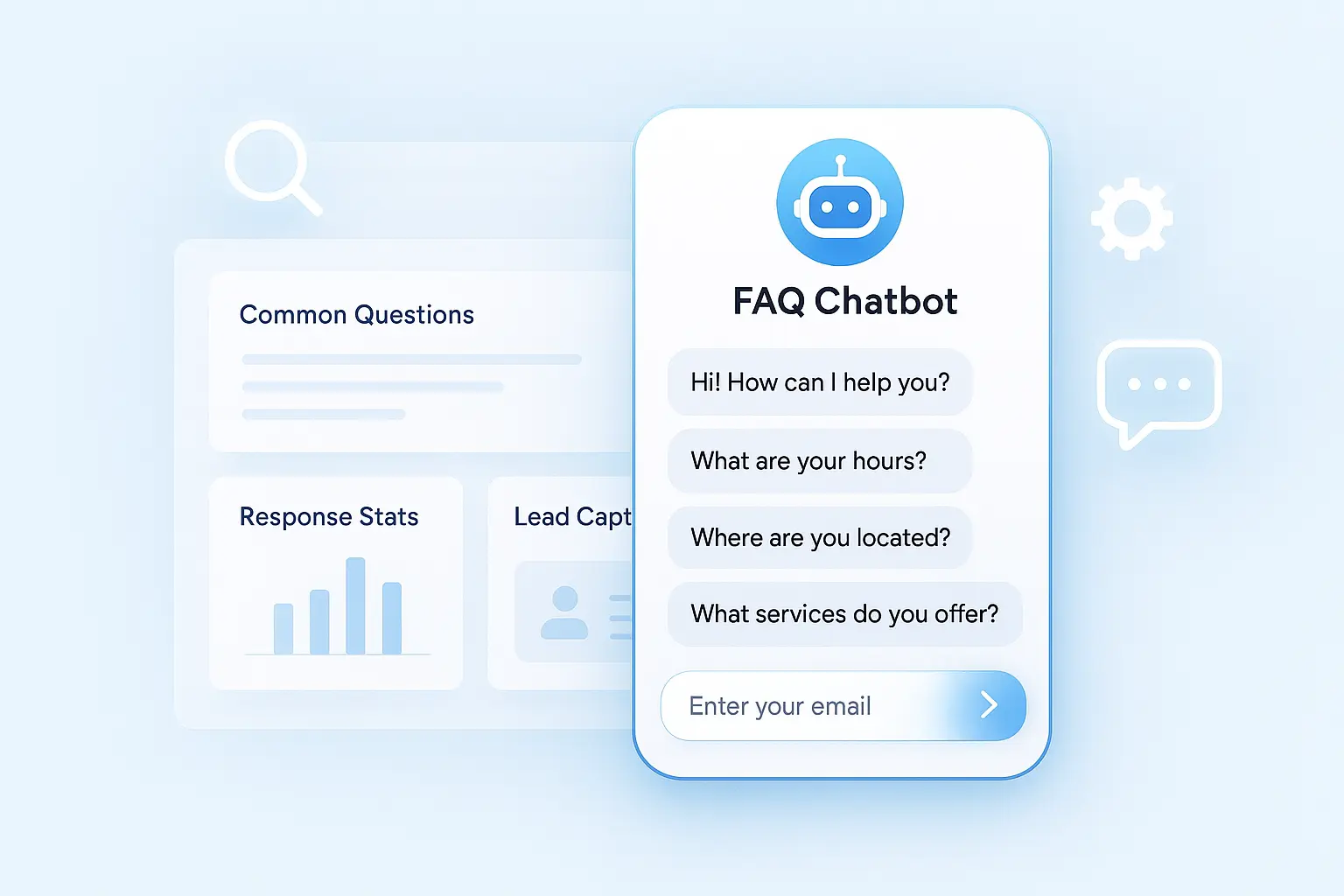
Add a chatbot that appears on every page, ready to answer questions immediately.
Not one of those annoying popups that blocks the whole screen. Just a visible, helpful chat widget that says something like "Questions? I can help."
Why this works:
People have questions. Always. "Do you serve my area?" "What does this cost?" "How long does it take?" Instead of making them hunt for answers or fill out a form just to ask, they get instant responses.
It works 24/7. Someone visits at 11 PM with a problem? They get help immediately, not a "we'll get back to you Monday" message.
It qualifies leads while helping. Through natural conversation, you learn if they're a good fit before asking for contact info.
It captures leads at the right moment. After providing value and building some rapport, asking for their email or phone feels natural, not pushy.
How to implement:
Use LeadJot to add intelligent AI chat to your site. Train it on your business (what you do, pricing, process, common questions). It engages visitors, answers questions, qualifies them, and captures contact info automatically.
Setup takes 20 minutes. Most businesses see 5-15 extra leads per month from traffic they were already getting.
This alone can double or triple your lead conversion rate because you're engaging people who would have otherwise left.
2. Reduce form friction dramatically
Every field you add to a form kills conversions.
Most contact forms ask for way too much: name, email, phone, company, title, how they heard about you, detailed description of their needs, budget, timeline.
That's not a form. That's an interrogation.
What works better:
Ask for the bare minimum upfront. Name and email. That's it. You can get more details later.
Use multi-step forms. Break one long form into 2-3 short steps. "Step 1 of 3" feels less intimidating than seeing 10 fields at once.
Make phone numbers optional. Many people won't give their phone number to a website they just discovered. Email is less threatening.
Auto-fill everything possible. Let browsers auto-complete fields. Reduces typing and friction.
Show progress indicators. If it's a multi-step form, show people where they are. "Step 2 of 3" helps them see the end.
Test this:
Take your main contact form. Cut it down to just name and email. Test it for two weeks. Compare conversion rates to your old form. You'll probably see a 40-60% increase in submissions.
3. Offer value-driven lead magnets
Don't just ask people to "contact us." Give them something valuable in exchange for their information.
Lead magnets that work:
Calculators and tools. ROI calculators, cost estimators, assessment tools. Interactive and immediately useful.
Comprehensive guides. "Complete Guide to [Topic]" addressing a major pain point or question your prospects have.
Checklists and templates. "10-Point Checklist for [Process]" or "Ready-to-Use Template for [Task]."
Case studies and reports. Detailed breakdowns of how you helped clients achieve results, or original research with data.
Free trials or demos. If you're software or service-based, let them try before committing.
Video training. Short video series teaching something valuable related to your expertise.
The key:
Make it actually valuable. Not just a 2-page PDF that could've been a blog post. Give away something substantial.
Make access instant. They enter their email, they immediately get the resource. No "we'll send it within 24 hours."
Match it to intent. Someone reading about pricing shouldn't get offered a beginner's guide. Offer them a pricing calculator or ROI analysis.
4. Use exit-intent popups strategically
When someone's about to leave your site, you've got one last chance to convert them.
Exit-intent popups detect when someone's mouse moves toward closing the tab or leaving the page. At that moment, show them an offer.
What works:
Be specific to what they were viewing. Someone on your pricing page? Offer a discount or free consultation. Someone reading a blog post? Offer related content.
Make the offer compelling. "Wait! Get 20% off" or "Before you go, download our free guide."
Keep it simple. One clear offer. One field (email). One button. Don't complicate it.
Don't be annoying. Only show exit-intent once per visitor. If they close it, don't show it again that session.
Example:
Someone reads your blog post about solving a specific problem. As they go to leave: "Want the step-by-step checklist for this? Enter your email and I'll send it right over."
Simple. Valuable. Relevant. Works way better than generic "Subscribe to our newsletter" popups.
5. Speed up your response time
Here's a stat most people don't know: responding to a lead within 5 minutes makes you 100x more likely to convert them than waiting an hour.
Most businesses check their contact forms once or twice a day. By the time they respond, the lead has moved on to competitors who were faster.
How to respond faster:
Get instant notifications. Every form submission should ping you immediately via text, email, or Slack.
Use automation for immediate acknowledgment. Auto-responder emails that say "Got it! We'll respond within an hour" are better than silence.
Have someone monitoring during business hours. If leads come in 9-5, have someone dedicated to responding within 5-10 minutes.
Use chat for instant engagement. With LeadJot, visitors get responses in seconds, not hours. No waiting for someone to check the contact form.
Set up after-hours automation. If someone submits a form at 8 PM, auto-send a text saying "Thanks! We'll call you first thing tomorrow at 9 AM." Then actually do it.
Test this:
Track your current response time. How long between form submission and first contact? Now cut that in half. Measure the difference in conversion rates.
Speed matters more than almost anything else in converting website leads.
6. Add social proof everywhere
People trust other people more than they trust your marketing copy.
Social proof—reviews, testimonials, case studies, client logos—dramatically increases conversions.
Where to add it:
Homepage. Right near your main CTA. "Join 500+ companies using [your product]."
Landing pages. Above the fold. Testimonials with photos and real names perform best.
Near contact forms. Right before or next to the form. "See what our clients say."
Specific to the offer. Someone downloading a pricing guide? Show testimonial about pricing transparency or value.
Use numbers when possible. "Rated 4.9/5 from 200+ reviews" is more powerful than "highly rated."
Types that work best:
Video testimonials. Seeing and hearing real people is incredibly powerful.
Specific results. "Increased leads by 150% in 3 months" beats "great service."
Relevant to the visitor. B2B visitors want to see B2B testimonials. Show proof from companies like theirs.
Third-party validation. Awards, certifications, media mentions, review site ratings.
7. Create urgency and scarcity
Without urgency, people procrastinate. "I'll come back to this later." (They won't.)
Add legitimate urgency to increase conversions.
Ways to create urgency:
Limited-time offers. "Free consultation this week only" or "20% off if you sign up by Friday."
Limited availability. "Only 3 spots left this month" or "Next available appointment: Thursday."
Countdown timers. For legitimate deadlines, show a countdown. Creates visual urgency.
Seasonal relevance. "Get your AC checked before summer rush" or "Book holiday marketing now before slots fill."
Important:
Make it real. Fake scarcity backfires. Don't say "only 2 left" if that's not true.
Don't overdo it. Not every page needs urgency tactics. Use them strategically.
Combine with value. Urgency alone isn't enough. "Act now AND here's why it matters."
8. Optimize your headlines and copy
Your headline is the first thing people read. If it doesn't grab them, they leave.
Most websites have terrible headlines. Generic corporate speak that says nothing compelling.
Bad headlines:
"Welcome to Our Website"
"Leading Provider of Business Solutions"
"Your Trusted Partner"
Better headlines:
"Get 50 Qualified Leads Per Month (Without Cold Calling)"
"AC Repair in Phoenix - Same Day Service Guaranteed"
"Double Your Website Conversions in 30 Days"
What makes a good headline:
Specific benefit. What do they get? What problem do you solve?
Clear and direct. No jargon. No fluff. Say what you mean.
Relevant to the visitor. Speak to their situation, problem, or goal.
Provokes curiosity or interest. Make them want to keep reading.
Test your copy:
Show your homepage to someone unfamiliar with your business. Give them 5 seconds. Ask them what you do and why they should care.
If they can't answer clearly, your copy needs work.
9. Make CTAs stand out visually
Your call-to-action buttons should be impossible to miss.
Many websites bury their CTAs or make them blend into the design.
CTA best practices:
Use contrasting colors. If your site is blue, make buttons orange or green. They should pop.
Make them big enough. Tiny buttons are easy to miss. Make them thumb-sized for mobile.
Use action-oriented text. "Get Started" is better than "Submit." "Book My Free Audit" is better than "Contact Us."
Put them above the fold. People should see a clear CTA without scrolling.
Repeat them throughout the page. Long page? Put CTAs every 2-3 scroll sections.
Add directional cues. Arrows or visual elements pointing to the CTA draw attention.
A/B test:
Try different button colors, sizes, and text. Small changes can have big impacts on conversion rates.
10. Improve your page load speed
Slow websites kill conversions. Period.
If your site takes more than 3 seconds to load, 40% of visitors leave before seeing anything.
How to speed up your site:
Compress images. Large images are the #1 cause of slow sites. Use tools like TinyPNG.
Use a CDN. Content delivery networks serve files from servers closer to your visitors.
Minimize code. Remove unnecessary CSS, JavaScript, and plugins.
Enable caching. Let browsers store static files so repeat visits load faster.
Choose better hosting. Cheap hosting is slow. Invest in quality hosting.
Test your speed:
Use Google PageSpeed Insights or GTmetrix. They'll tell you exactly what's slowing you down and how to fix it.
Even a 1-second improvement can increase conversions by 7-10%.
11. Optimize for mobile completely
More than half your traffic is probably on mobile. If your site doesn't work great on phones, you're losing leads.
Mobile optimization checklist:
Responsive design. Site automatically adjusts to any screen size.
Large tap targets. Buttons and links should be easy to tap with a thumb.
Readable text. No tiny fonts that require zooming.
Simple navigation. Complex menus don't work on mobile. Keep it simple.
Fast loading. Mobile connections are often slower. Speed matters even more.
Easy forms. Short forms with large input fields. Use mobile-friendly keyboards (number pad for phone numbers, etc.).
Click-to-call. Make your phone number tappable. One click should dial.
Test on real devices:
Don't just check desktop view. Actually pull out your phone and test the experience. Is it easy? Would you convert?
12. Use video to engage and convert
Video is incredibly powerful for increasing website leads.
Where to use video:
Homepage. A 30-60 second video explaining what you do and why people should care.
Landing pages. Show your product, service, or process in action.
Testimonials. Video testimonials are 10x more compelling than text.
Explainer videos. Complex product or service? Video makes it easier to understand.
About page. Let people meet your team. Builds trust and connection.
Video best practices:
Keep it short. 30-90 seconds for most videos. People's attention spans are short.
Start strong. First 5 seconds are crucial. Hook them immediately.
Add captions. Many people watch without sound. Captions make it accessible.
Clear CTA at the end. Tell them exactly what to do next.
You don't need expensive production. Phone videos with good lighting and sound work fine.
13. Personalize based on traffic source
Not all visitors are the same. Someone from Google searching for a solution has different intent than someone from LinkedIn clicking your post.
Show different messaging based on where they came from.
Examples:
Google Ads traffic → Landing page specific to their search query
Social media traffic → More casual, engaging content
Email clicks → Continue the conversation from the email
Referral traffic → Acknowledge the referrer, leverage that trust
How to implement:
Use URL parameters. Different links for different sources with custom landing pages.
Use tools that detect traffic source. Show dynamic content based on referrer.
Create source-specific landing pages. Someone clicking a Facebook ad should see a page tailored to that ad's message.
This makes your messaging more relevant, which increases conversions.
14. Add live chat for high-intent visitors
Sometimes people need to talk to a real human before converting.
Offer live chat during business hours for visitors who show high intent.
Who should get live chat:
Visitors on pricing pages. They're close to deciding.
Visitors who've been on your site for 5+ minutes. They're seriously researching.
Visitors who've looked at multiple pages. They're engaged and interested.
Returning visitors. They came back. Follow up.
How to do this right:
Be genuinely helpful, not pushy. Answer questions. Provide value.
Respond within seconds. The whole point is instant human connection.
Qualify naturally. Through conversation, learn if they're a good fit.
Move to scheduled calls when appropriate. "This might be worth a quick call. Want to schedule 15 minutes this week?"
Combine this with LeadJot for after-hours. AI handles nights and weekends, humans take over during business hours.
15. Test, measure, and optimize continuously
None of this matters if you're not tracking results and improving.
What to measure:
Conversion rate. What percentage of visitors become leads?
Traffic sources. Which channels bring the best leads?
Page performance. Which pages convert best? Which are dead ends?
Form abandonment. Where do people drop off in your forms?
Time to first response. How fast are you following up with leads?
Lead quality. Which sources produce leads that actually convert to customers?
What to test:
Headlines and copy. Try different messaging.
CTAs. Different colors, text, placement.
Forms. Length, fields, layout.
Lead magnets. Which offers convert best?
Page layouts. Order of elements, what's above the fold.
Set up properly:
Use Google Analytics to track traffic and behavior.
Use goal tracking or conversion pixels to measure leads.
A/B test one thing at a time. Change the headline, measure results, then test something else.
Review data monthly. What's working? What's not? What should you double down on?
The websites that generate the most leads aren't static. They're constantly being refined based on real data.
Putting it all together
You don't need to implement all 15 strategies at once. Start with the biggest opportunities.
Week 1: Add LeadJot to instantly engage visitors 24/7. This alone can double your leads.
Week 2: Reduce form friction. Cut your contact form down to just name and email.
Week 3: Add one compelling lead magnet. Guide, calculator, checklist, whatever provides value.
Week 4: Add social proof throughout your site. Testimonials, reviews, client logos.
Month 2: Optimize for mobile and speed. Make sure the experience is fast and smooth on phones.
Month 3: Set up proper tracking and start A/B testing. Make data-driven improvements.
Within 90 days, you'll likely 2-3x your lead generation from the same traffic you already have.
Stop watching leads walk away
Most websites are traffic graveyards. People visit, look around, and leave forever.
Your website should be a lead generation machine, working 24/7 to capture and qualify prospects.
The foundation is simple: make it easy for visitors to engage, get value, and take the next step.
LeadJot handles the hardest part automatically. It engages every visitor, answers their questions, qualifies them based on your criteria, and captures their contact information at the right moment.
Setup takes 10 minutes. Costs $49+/month. Most businesses see 5-15 extra leads per month from traffic they were already getting.
Stop losing qualified leads. Start capturing them automatically.
Try LeadJot free for 7 days and see how many potential customers you've been missing.
Your next customer is probably on your website right now. Make sure they convert instead of clicking away.